Linux Shell or “Terminal”
Linux Shell or “Terminal”
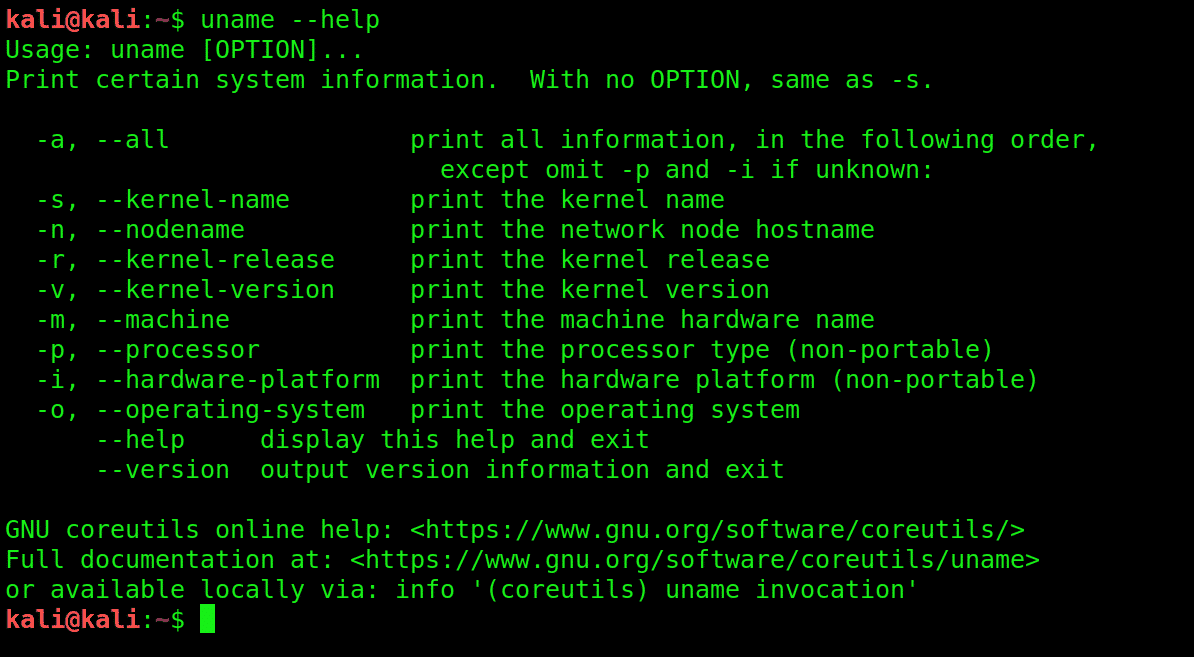
So, basically, a shell is a program that receives commands from the user and gives it
to the OS to process, and it shows the output. Linux's shell is its main part. Its distros
come in GUI (graphical user interface), but basically, Linux has a CLI (command
line interface).
Linux Commands
Basic Command's
pwd — When you first open the terminal, you are in the home
directory of your user. To know which directory you are in, you can
use the “pwd” command. It gives us the absolute path, which means
the path that starts from the root. The root is the base of the Linux file
system. It is denoted by a forward slash( / ).
cd — Use the "cd" command to go to a directory. For example, if
you are in the home folder, and you want to go to the downloads
folder, then you can type in “cd Downloads”. Remember, this
command is case sensitive, and you have to type in the name of
the folder exactly as it is.
ls — Use the "ls" command to know what files are in the directory you
are in. You can see all the hidden files by using the command “ls -a”.
mkdir & rmdir — Use the mkdir command when you need to create a
folder or a directory. For example, if you want to make a directory
called “hackwithak”, then you can type
“mkdir hackwithak”.
rm - Use the rm command to delete files and directories. Use "rm -r"
to delete just the directory. It deletes both the folder and the files it
contains when using only the rm command.
touch — The touch command is used to create a file. It can be
anything, from an empty txt file to an empty zip file. For example,
“touch new.txt”.
cp — Use the cp command to copy files through the command line. It
takes two arguments: The first is the location of the file to be copied,
the second is where to copy.
mv — Use the mv command to move files through the command line.
We can also use the mv command to rename a file.
locate — The locate command is used to locate a file in a Linux
system, just like the search command in Windows. This command is
useful when you don't know where a file is saved or the actual name of the file.
nano, vi, jed — nano and vi are already installed text editors in the
Linux command line. The nano command is a good text editor that
denotes keywords with color and can recognize most languages.
And vi is simpler than nano. You can create a new file or modify a file
using this editor.
cat — Use the cat command to display the contents of a file. It is
usually used to easily view programs.


Comments
Post a Comment